

처음 설치시 참고
https://orangecake.tistory.com/22
claude - notion mcp 연결하기
https://www.youtube.com/watch?v=opl0m4SVB80 25.03.26 기준 작성 / 25.03.07 보완1. Notion API 설정Notion API 통합 페이지(https://www.notion.so/my-integrations) 에서 API 키 발급발급받은 API 키 복사해두기2. Notion 페이지와 통
orangecake.tistory.com
- Claude 데스크톱 애플리케이션 설치 (mcp 기능 사용하려면 데스크톱 필요) https://claude.ai/download
- (맨처음이라면 필요?) 좌측상단 버튼 - Help - Enable Developer Mode
- 좌측상단 버튼 - File - Settings → Developer 개발자 → Edit Config 설정 편집
- "claude_desktop_config.json" 파일 열기
- node js 설치 필요 https://nodejs.org/en
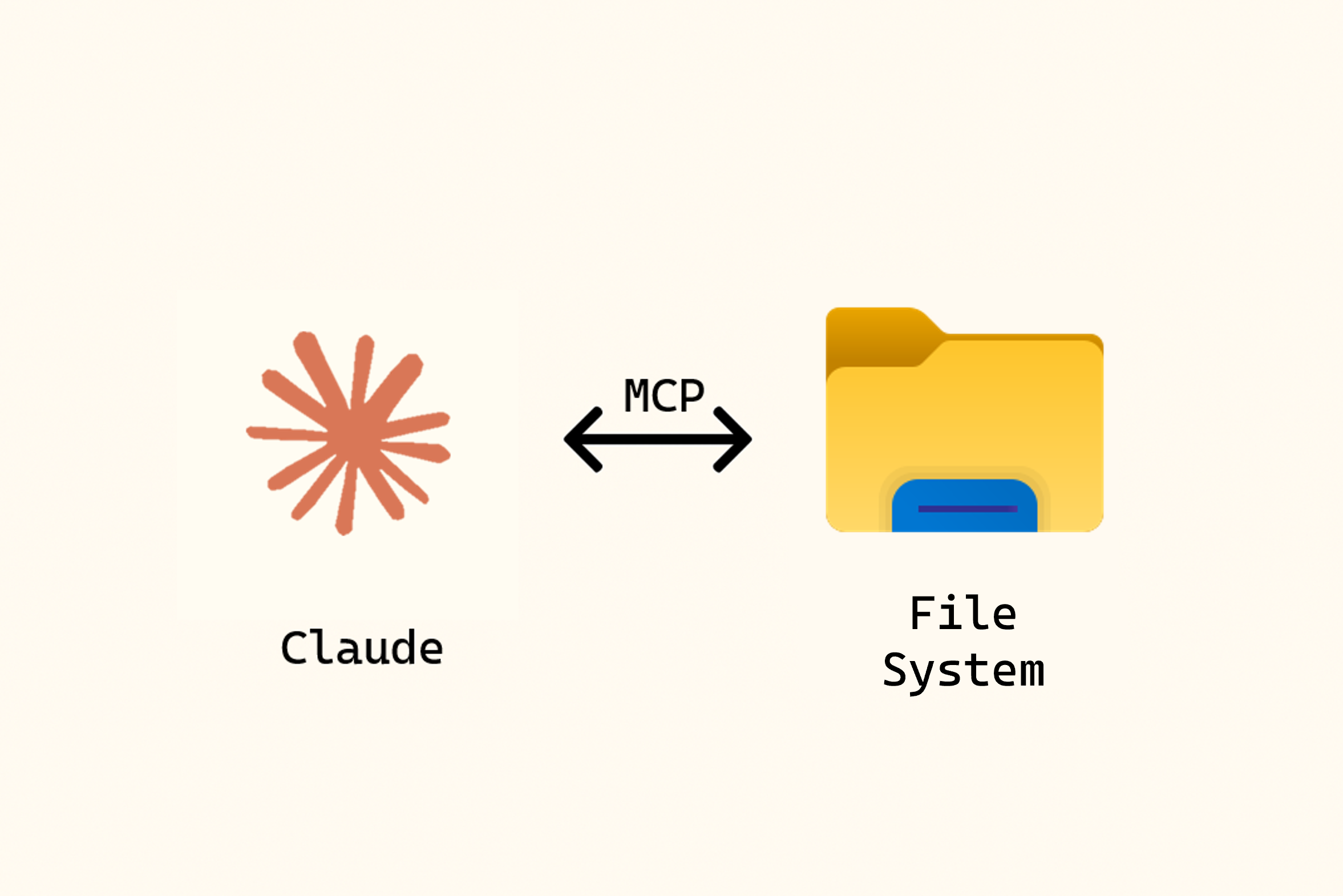
Claude - desktop file system 연결하는 mcp 설치하기
https://modelcontextprotocol.io/quickstart/user
For Claude Desktop Users - Model Context Protocol
Command Privileges Claude for Desktop will run the commands in the configuration file with the permissions of your user account, and access to your local files. Only add commands if you understand and trust the source.
modelcontextprotocol.io

{
  "mcpServers": {
    "filesystem": {
      "command": "npx",
      "args": [
        "-y",
        "@modelcontextprotocol/server-filesystem",
        "C:\\Users\\username\\Desktop",
        "C:\\Users\\username\\Downloads"
      ]
    }
  }
}
window 선택시 위 코드로 나오는데
위에 대로 복사해서 config json 파일에 붙여넣으면
데스크탑 폴더와 다운로드 폴더만 접근가능하게됨
만약 사용자 이름이 다르면 작동안함.

다운로드 폴더 우클릭 - 경로로 복사 해보았을때 "C:\Users\user\Downloads" 이런식으로 나오면 이렇게 넣어야하는것.
{
  "mcpServers": {
    "filesystem": {
      "command": "npx",
      "args": [
        "-y",
        "@modelcontextprotocol/server-filesystem",
        "C:\\Users\\user\\Desktop",
        "C:\\Users\\user\\Downloads"
      ]
    }
  }
}
만약 추가적으로 옵시디언 폴더 자체에 접근 가능하게하고 싶다면 아래쪽에 추가해주면 되겠지 ?
{
  "mcpServers": {
    "filesystem": {
      "command": "npx",
      "args": [
        "-y",
        "@modelcontextprotocol/server-filesystem",
        "C:\\Users\\user\\Desktop",
        "C:\\Users\\user\\Downloads",
        "C:\\Users\\user\\OneDrive\\문서\\obsidian_onedrive"
      ]
    }
  }
}
나같은 경우
"C:\\Users\\user\\Desktop" 경로로는 폴더가 없어서 오류가 났고
삭제하니 해결되었다.
'Claude' 카테고리의 다른 글
| Claude - Notion MCP 연결하기 2 (공식 Notion MCP) (0) | 2025.04.11 |
|---|---|
| Claude-Obsidian MCP 연결하기 (1) | 2025.04.08 |
| mcp 사용을 위한 npx, uvx 설치 (0) | 2025.04.07 |